HOW TO JOIN THE SERVER
Four easy steps made as simple as possible for you. The whole thing takes about ten minutes, most of which is the client downloading. It's free, there's nothing to buy, and you'll be rolling your first character before you know it.
01
Download / Install Client
02
Join The Discord
03
Create An Account
04
Play The Game!
By downloading and playing, you agree to our Privacy Policy & Terms.
Both mirrors host the same installer — take whichever downloads faster. Requires Windows 10 or higher!
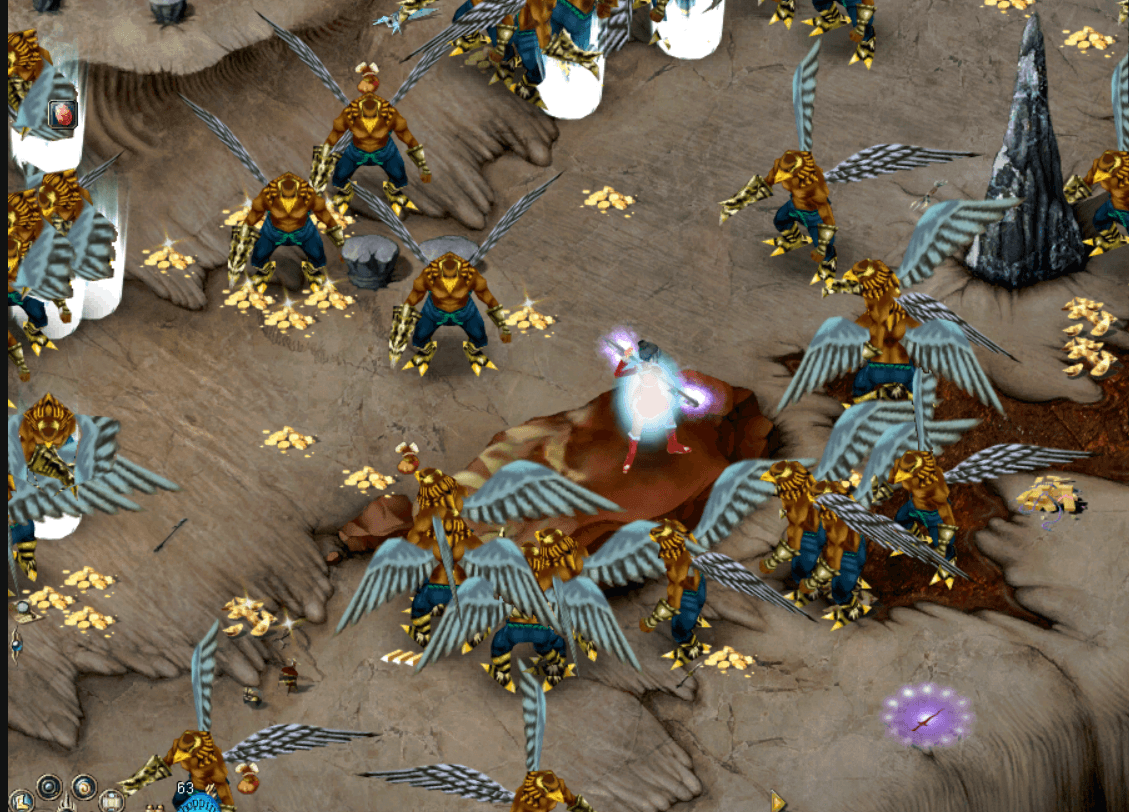
STEP 1 — INSTALL THE CLIENT
◆Grab the installer from either mirror above — MEGA or MediaFire, same file — then run the .exe and click through it. Windows 10 or higher.
◆It installs into Program Files and sets the folder permissions the client needs itself, so say yes when Windows asks for admin rights.
◆Launch the game from the shortcut the installer creates. It updates itself to the newest version each time it starts, so you never need to re-download.
◆Be sure to install the .NET framework. Click here for a link!
◆If the installer or client gets blocked, check your anti-virus. Fresh, unsigned game files get flagged as a false positive fairly often — adding the install folder as an exclusion sorts it out.
STEP 2 — JOIN THE DISCORD
◆Joining the Discord is STRONGLY SUGGESTED. All accounts are linked to a Discord account.
◆It is also how you get important server updates and is the best place to get help from other players.
◆Patch notes, maintenance windows and event announcements all land there first. If the server ever goes down, that's where you'll find out why.
◆The community is small enough that questions actually get answered — ask away, no matter how basic it feels.
Join Our Discord
discord.gg/ZS2NK9s2hr — it takes a few seconds and it's free.
STEP 3 — CREATE AN ACCOUNT
◆After joining the discord, sign in on this website with your Discord account — there's no separate website password to remember.
◆From the My Accounts page, create a game account with a username of 3–16 characters, using letters, numbers or underscores.
◆Your password starts out unset. You set it in the game client the first time you log in with that username and whatever password you type, so pick something memorable when it asks.
◆Forgot it later? Reset the password from My Accounts to clear it again, then set a fresh one on your next login.
STEP 4 — PLAY THE GAME
◆Launch the game client and select the server from the server list.
◆Log in with your game account credentials and create your character.
◆Pick from the classic four: Trojan, Warrior, Archer or Taoist. You can make more characters later, so there's no wrong first pick.
◆Rates are classic x1, so levels and gear are earned. That's the point — everything you're wearing means something here.
◆Worth a read before you start: how we differ from retail.
◆Welcome to Sky's Conquer Odyssey!
STUCK? START HERE
◆The client won't start. Nine times out of ten it's the .NET framework missing or your anti-virus quarantining the launcher. Install the framework linked in step 1, then add the install folder as an exclusion.
◆My account isn't in the client. Game accounts are created on this website, not in the client itself. Head to My Accounts and make one first.
◆It won't take my password. New accounts start with a blank password — leave it empty on that very first login and the client will have you set one.
◆Still stuck? Ask in Discord. Someone has almost certainly hit the same thing.